Geography 241
Lab Activity 2b -
GPS Field Data
Collection
Part B
In the second part I want you to use our GPS receivers to collect point data from around Lincoln Park.
Here are your instructions:
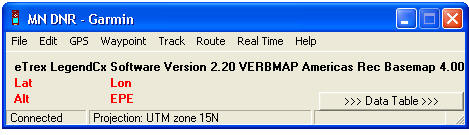
The interface looks like this:
Waypoints can be download using the "Waypoint" menu. After downloading your screen will look something like this:
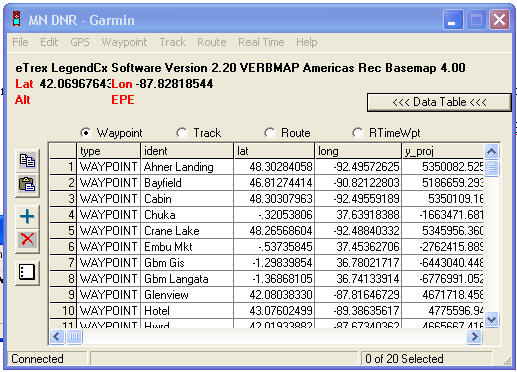
Select the points that you collected (shift-click) and then use the File - Save to.. - File - Type: ArcView shapefile (projected) option to save your shapefile into the Lab 2 folder. You of course can download all of the waypoints collected and then delete the ones not yours in ArcGIS later.
Open your new GPS shapefile in your layout for part 2a. Add the attributes you recorded in the field to your attribute table then label the points with one of your attributes. Your Layout should include the aerial image/TIFF File, your new buildings and sidewalks, and your GPS points. Print this and hand it in to finish the activity. Due at end of class Wednesday 10-14. Aces again!